SimBuddy Get SimBuddy

The Simulator moved into Device Hub.

Xcode 27 has no Simulator.app. Devices boot and run in Device Hub, an app inside Xcode. Here is where it lives, what still works, why some tools stopped finding your Simulator, and what SimBuddy does with it.

Checked on Xcode 27.2 and macOS 27.

Where it lives.

Device Hub is an app inside Xcode, at Xcode › Contents › Applications › DeviceHub.app. Xcode 26 and earlier keep Simulator.app in Xcode › Contents › Developer › Applications instead.

Open it from Terminal with its full path:

$ open -a /Applications/Xcode.app/Contents/Applications/DeviceHub.app
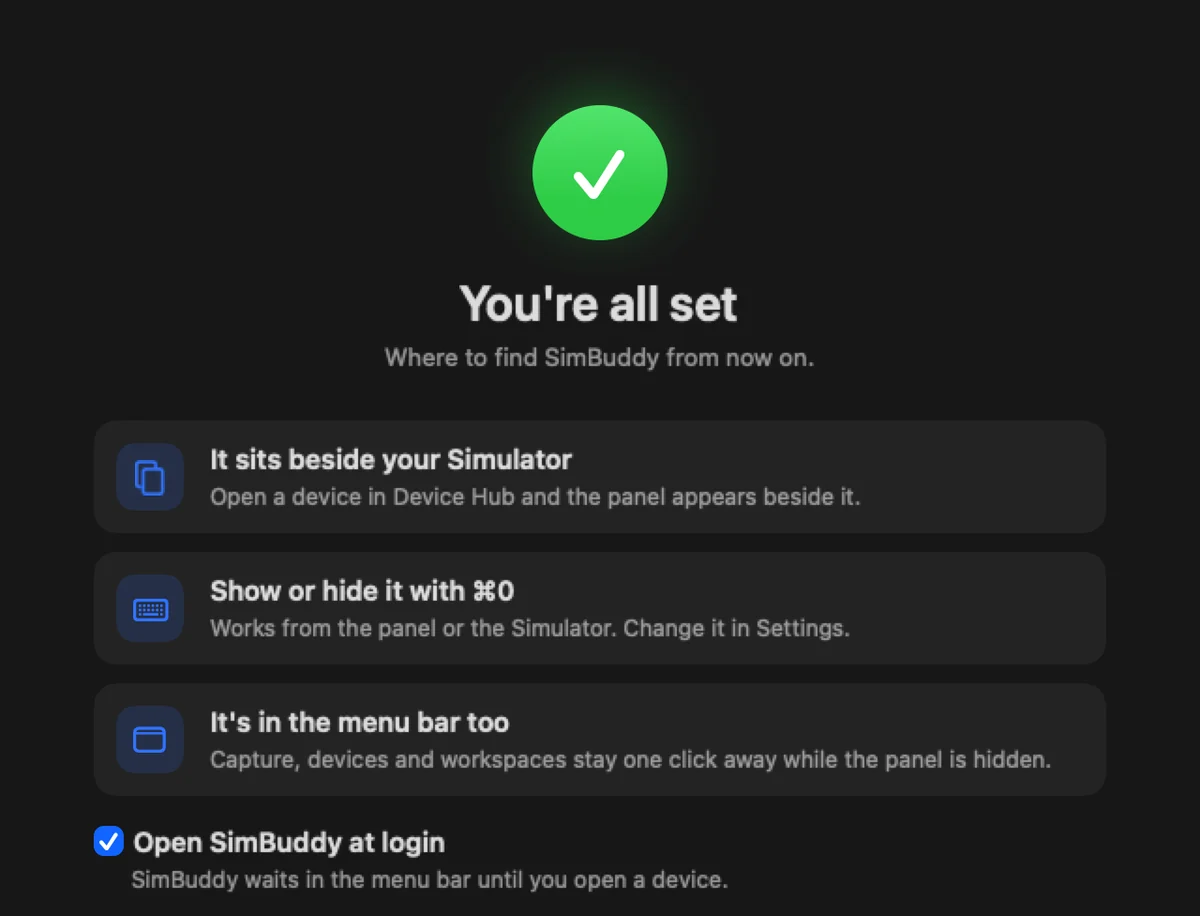
SimBuddy’s Setup, last page: the panel sits beside your Simulator, show or hide it with Command 0, and it’s in the menu bar too

What still works, and what stopped.

xcrun simctl still lists, boots, installs, launches, screenshots and records devices: it talks to CoreSimulator, not to the app that shows them.

What stops is anything that looks for Simulator.app: open -a Simulator, a script that finds the app by its path or bundle, or a tool that waits for its window. On Xcode 27 there is no such app, so they can report that no Simulator is running while Device Hub shows one.

  • Boot a device with xcrun simctl boot, then open Device Hub to see it
  • Update tools that launch “Simulator” by name
$ xcrun simctl list devices booted

SimBuddy docks on Device Hub.

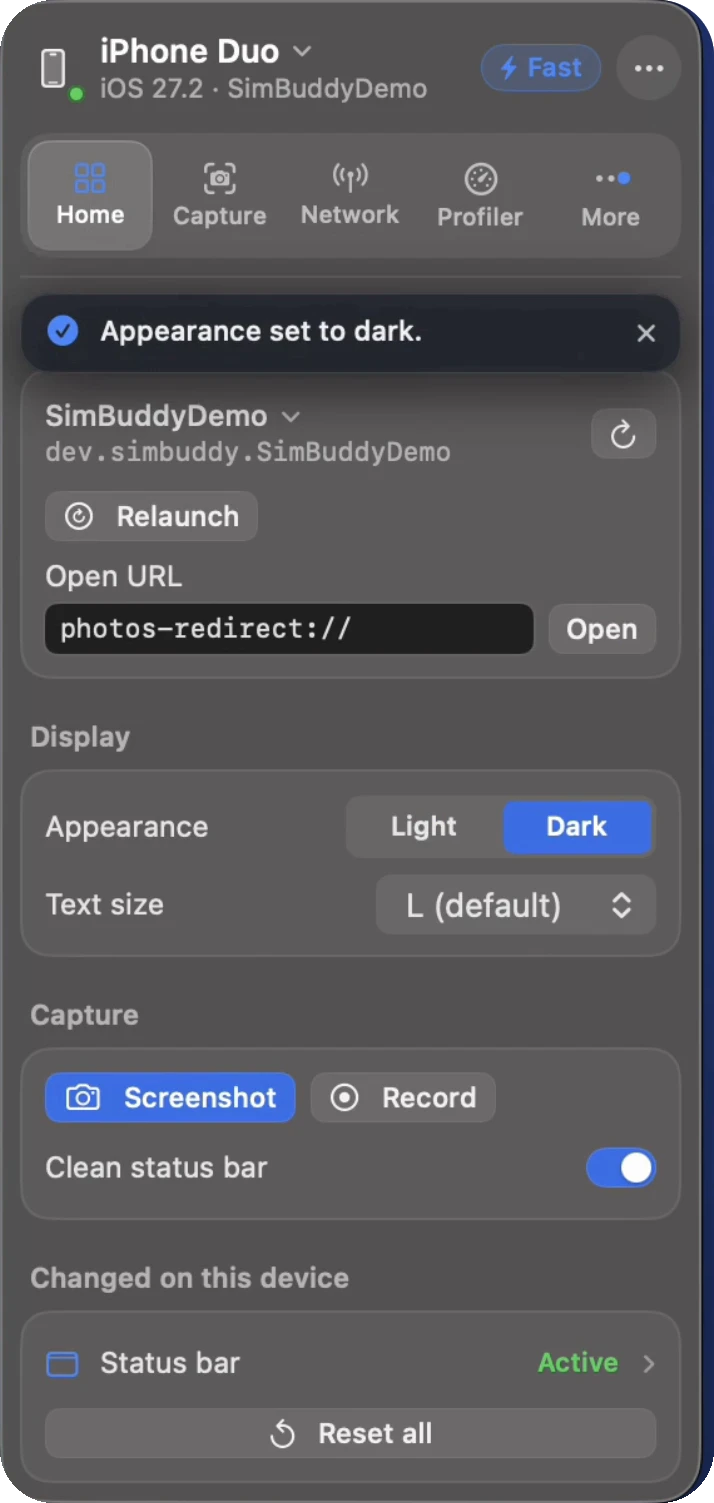
Open a device in Device Hub and SimBuddy’s panel appears beside its window and follows it as you move it. ⌘0 shows or hides it. On Xcode 26, the same panel docks on the standalone Simulator.

Everything in the panel
SimBuddy’s Home workspace: the target app with Relaunch and Open URL, Appearance, text size, Screenshot and Record

Check from Terminal.

The simbuddy command finds booted devices whichever app shows them, so it answers the same on Xcode 26 and 27.

  • simbuddy status lists the Simulators that are running
  • simbuddy doctor checks Xcode, the Simulator and the bridge, and says what to fix
$ simbuddy status
$ simbuddy doctor

Questions, answered

Where is the Simulator in Xcode 27?

Xcode 27 replaces Simulator.app with Device Hub, an app inside Xcode at Xcode › Contents › Applications › DeviceHub.app. Devices boot and run there.

Why does my tool say no Simulator is running on Xcode 27?

Tools that look for Simulator.app by name, path or window find nothing on Xcode 27, because the devices are shown by Device Hub. xcrun simctl still lists and controls them.

Does SimBuddy work with Device Hub?

Yes. SimBuddy works with Xcode 27’s Device Hub and with the standalone Simulator on Xcode 26: its panel docks beside the device’s window and follows it.