Everything in the panel.
Six workspaces do the big jobs: Capture, the Device Matrix, Network, the Profiler, Agents and Camera. Each has a page with a film of it working. The smaller tools sit a click from the device.
-
Capture
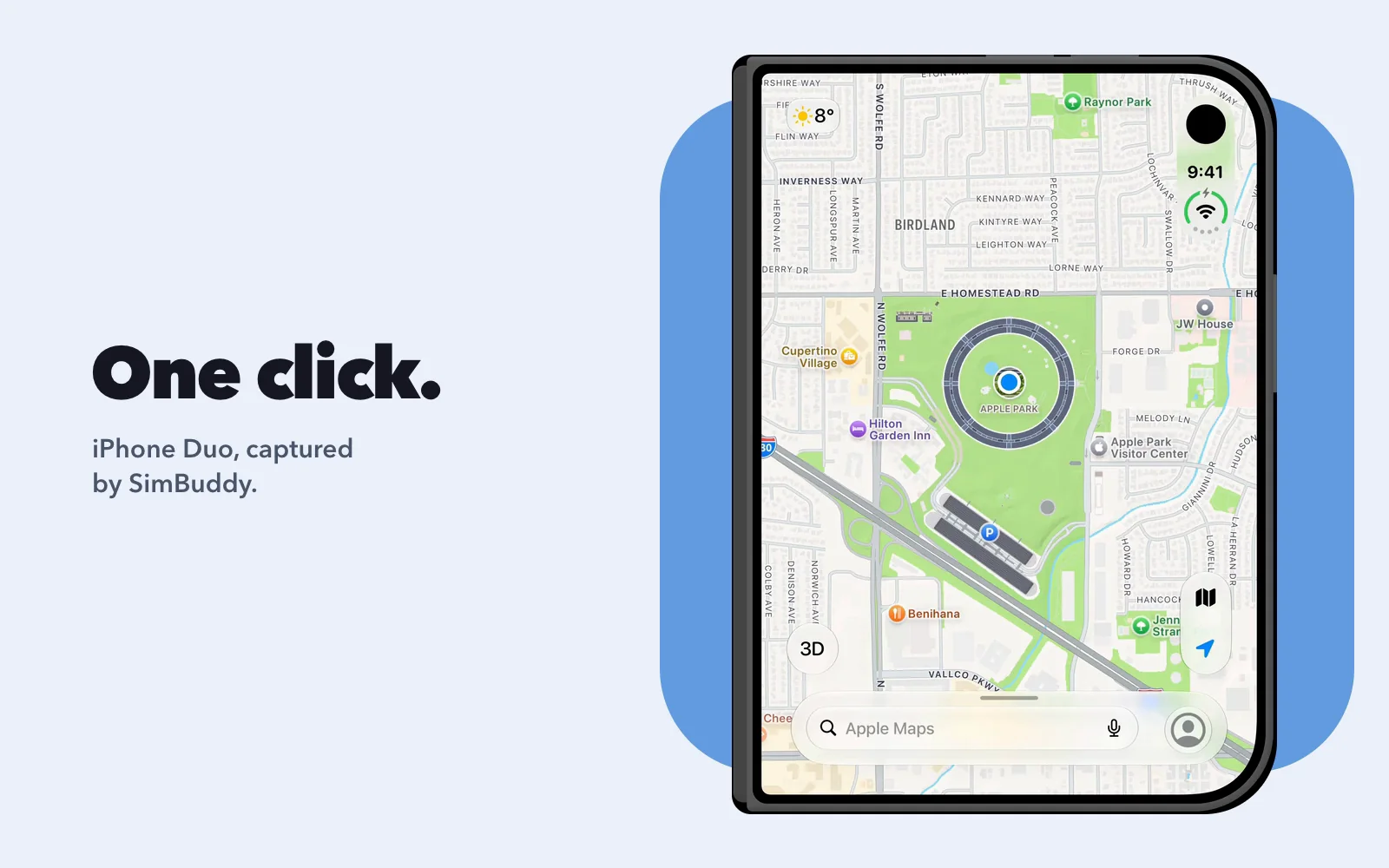
Plain screenshots in one click, framed ones in the device’s body, and recordings with every touch marked.
- iPhone Duo folded or open: the capture takes the screen in use
- MP4 or GIF, at the device’s frame rate or one you pick
- App Store sizes and recorded sound with Pro
-
Device Matrix
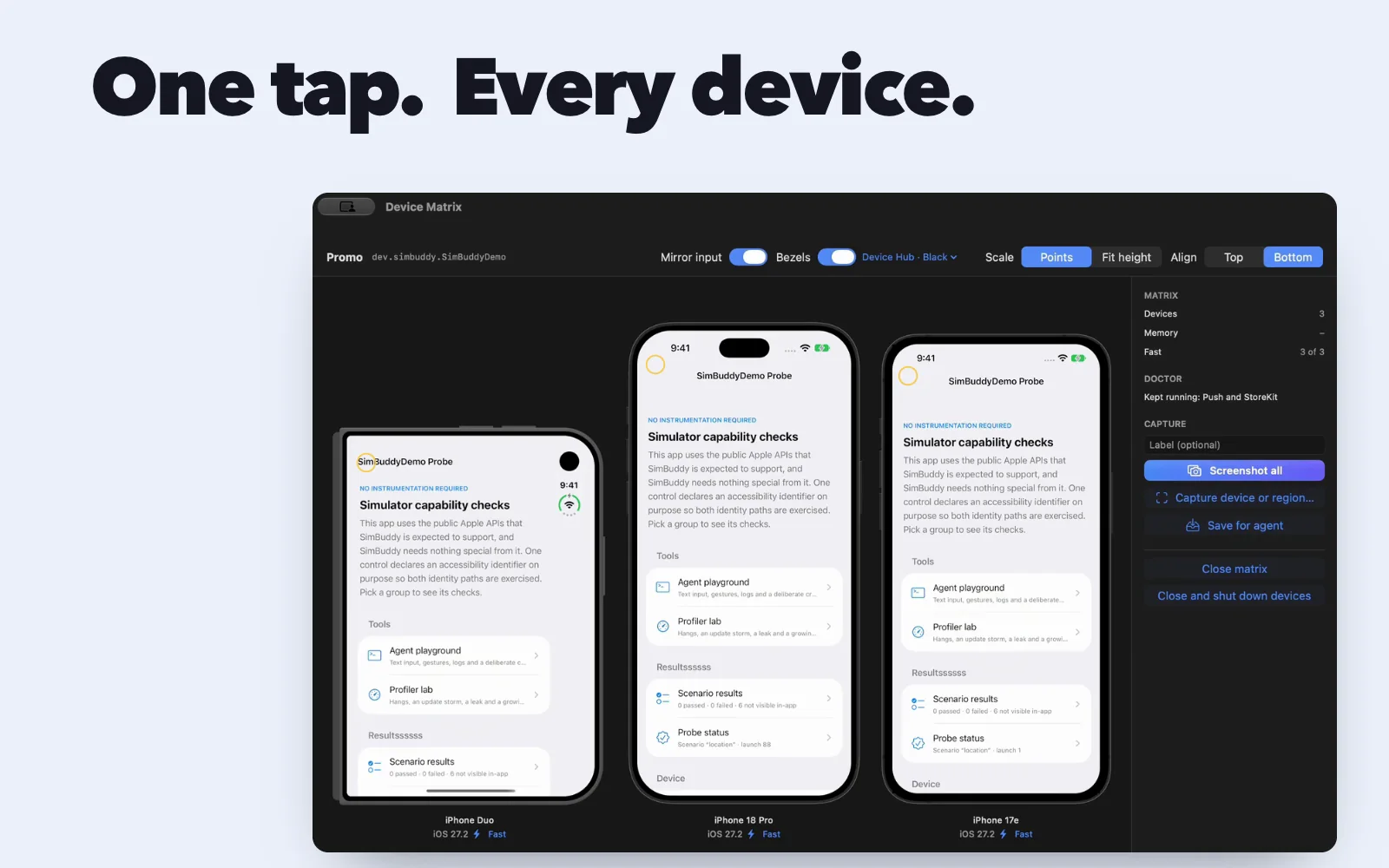
A saved set of Simulators at their true sizes. Mirror input plays one tap on every device, and Screenshot all shoots the set into one folder.
- Presets from Newest devices to Latest + oldest runtime
- Fast mode, so more Simulators fit in memory
- Up to four devices on Free
-
Network
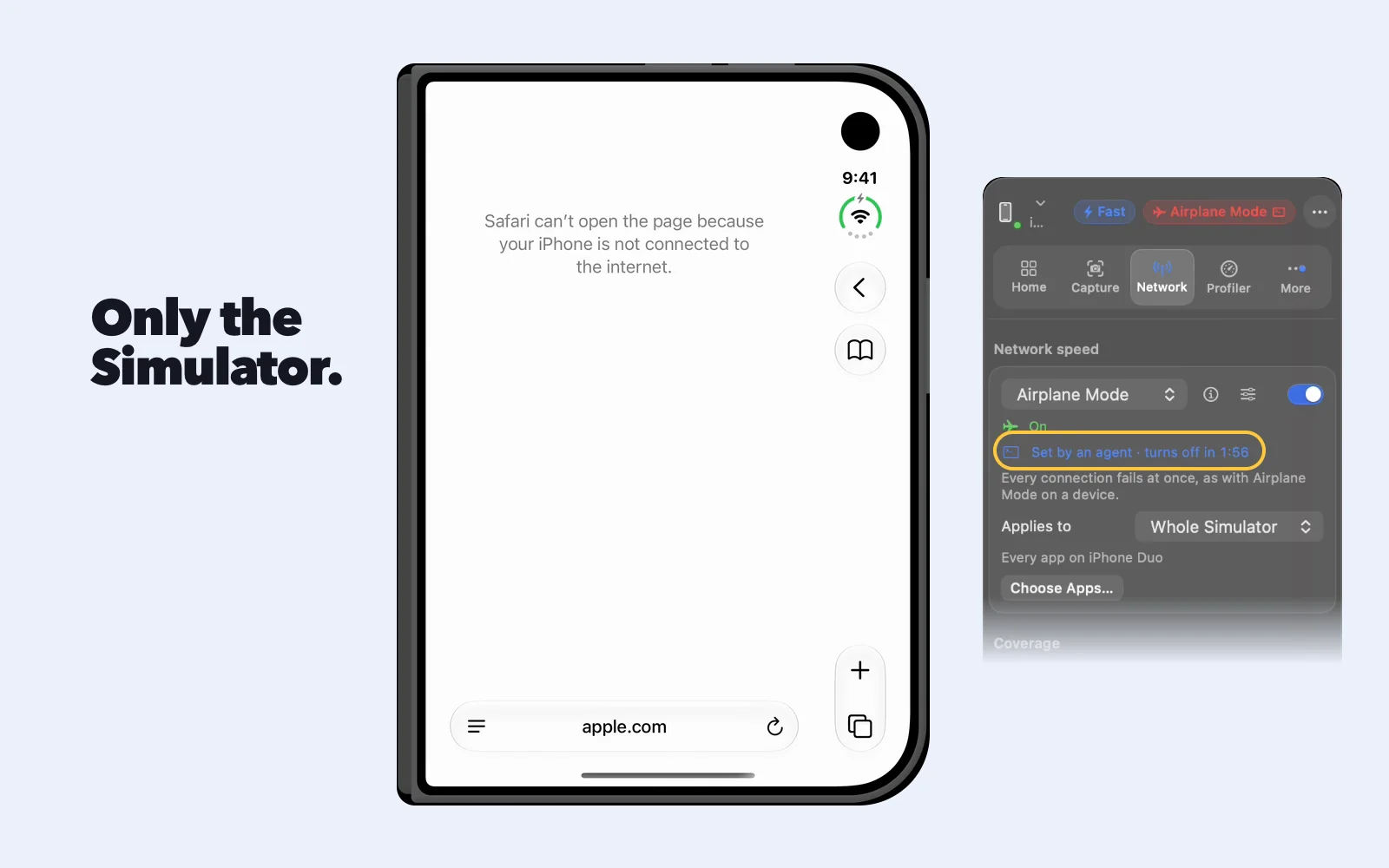
Apple’s Network Link Conditioner profiles and SimBuddy’s 2G, for one app or the whole Simulator. Your Mac stays online.
- Airplane Mode, 100% Loss, 3G, Edge and your own
- A timer turns the profile off on its own
- The Network Monitor, and mocks that answer for the server
-
Profiler
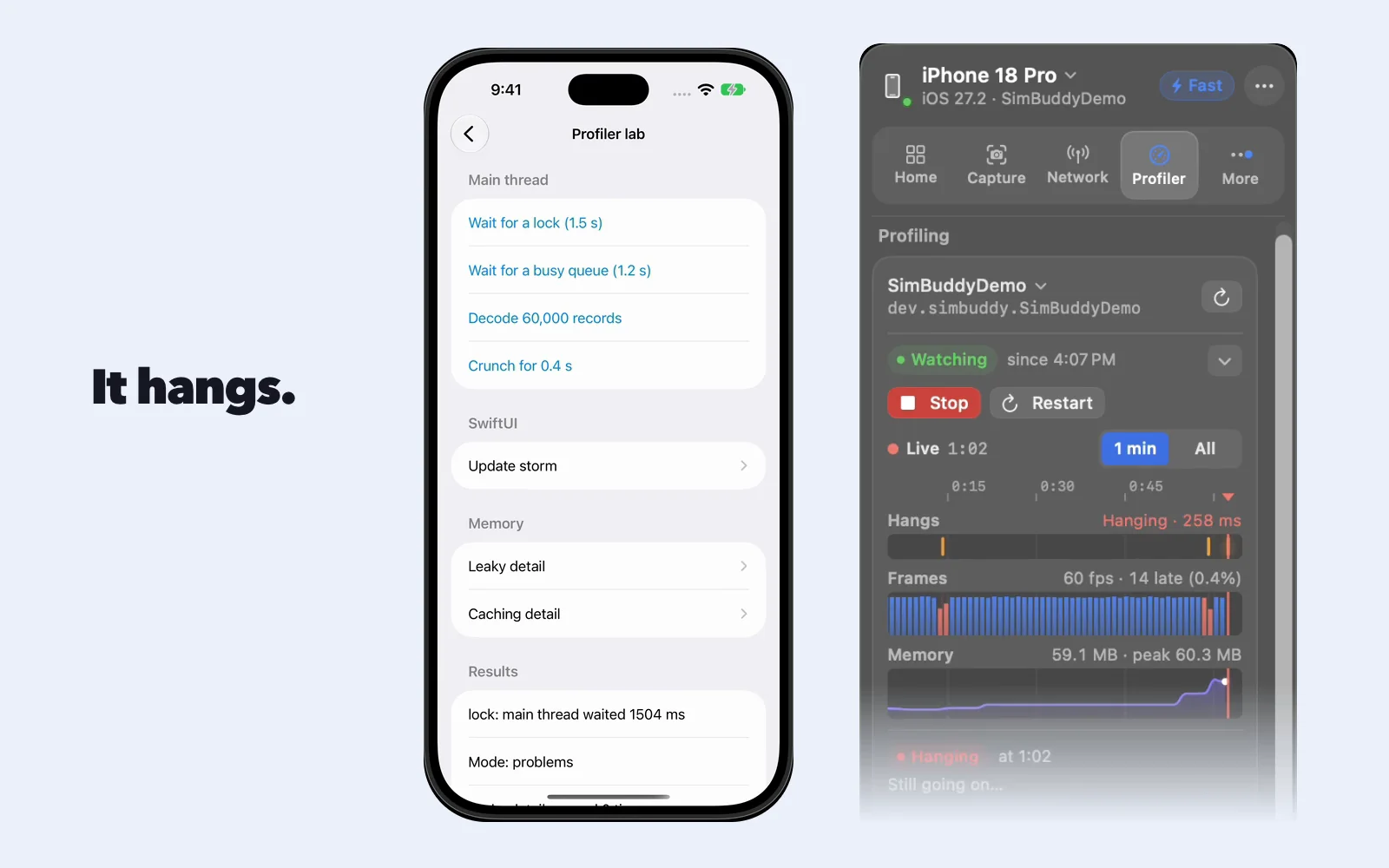
Hangs with the line the main thread waited on, leaks after you close a screen, memory that keeps growing and slow SwiftUI views.
- A live timeline of hangs, frames and memory
- Leaks by type, with the line that allocated them
- Instruments traces, read for you
-
Agents
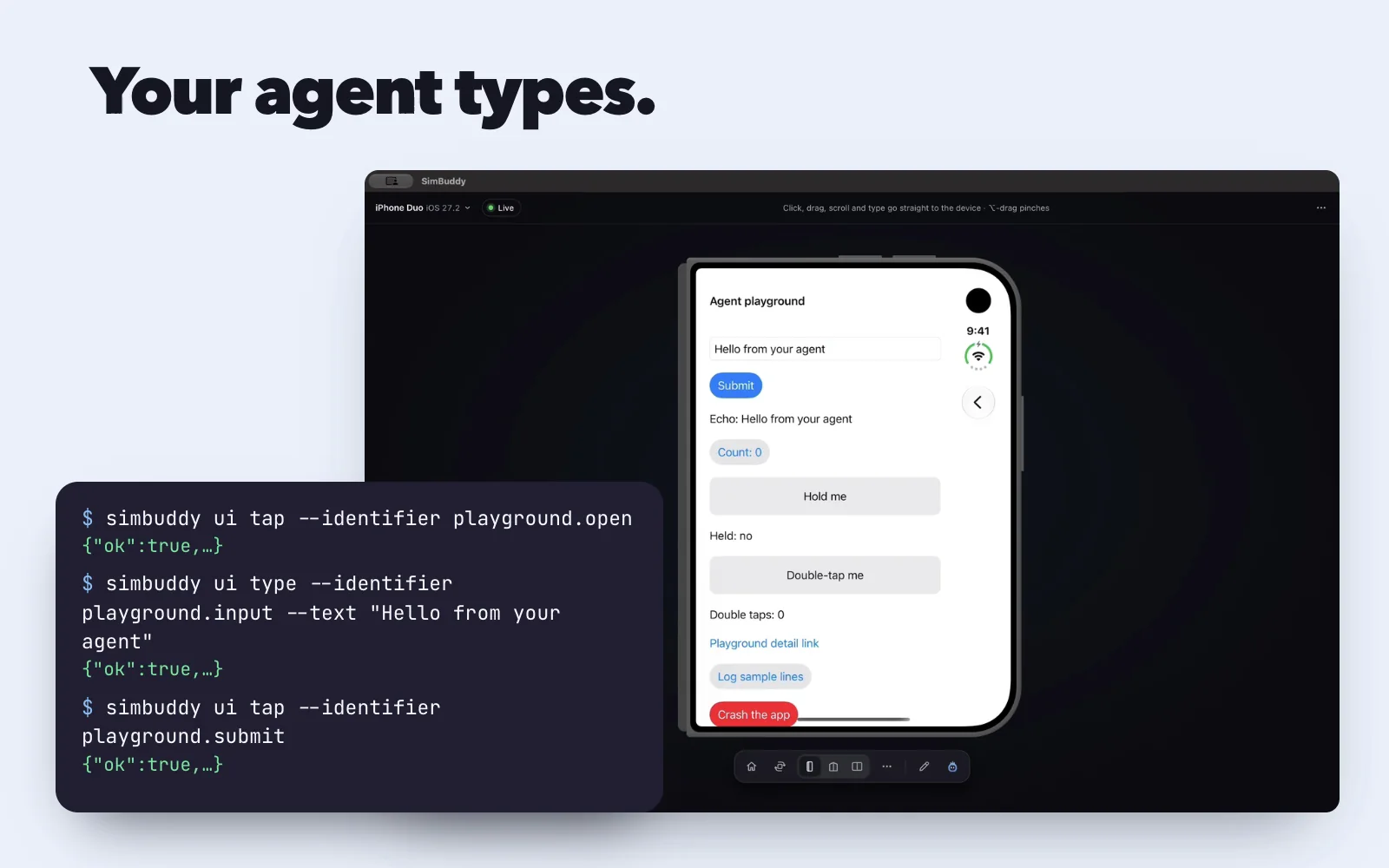
Codex, Claude Code, Claude Desktop and Cursor read the screen, tap, type, record and profile through a server only this Mac can reach.
- One JSON envelope per command
- Notes pinned on the live screen, sent to your agent
- Works in Codex’s in-app browser
-
Camera
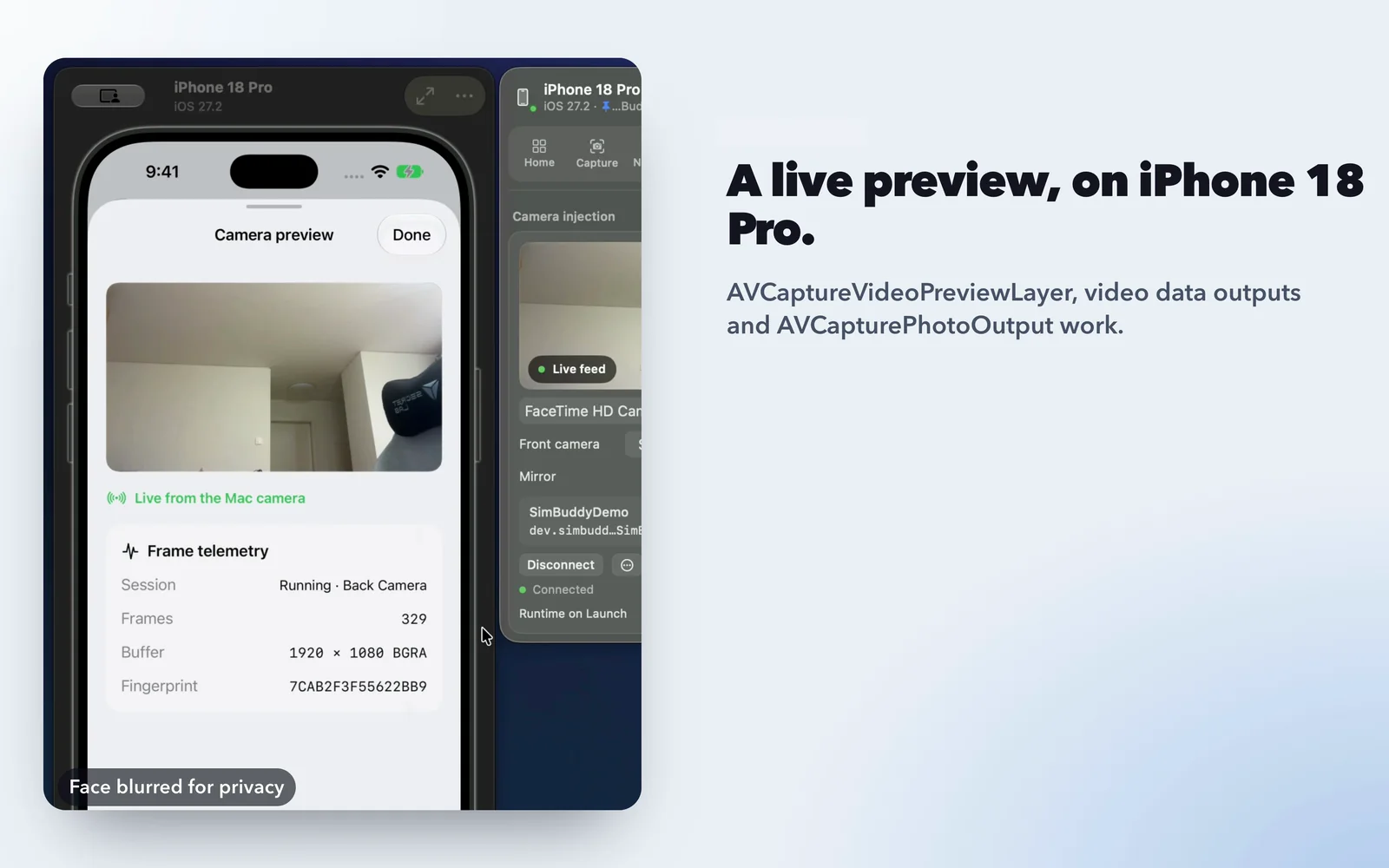
A Mac camera, or your iPhone’s, feeds the app’s own capture session and camera picker. No code added to the app.
- AVCaptureSession, preview layers and photo outputs
- On only while the app has its camera open
- Joins a Run from Xcode with no relaunch
Also in the panel
Smaller tools, each a click from the device and each with a simbuddy command of its own.
Location and routes
Set a coordinate, or play a GPX route through the app.
Compare overlay
A design over the live screen, with a grid, centre lines, rulers and a difference blend.
Accessibility
The VoiceOver Navigator walks the reading order, numbered on the screen; overrides for text size, Bold Text, Reduce Motion and more.
Status bar
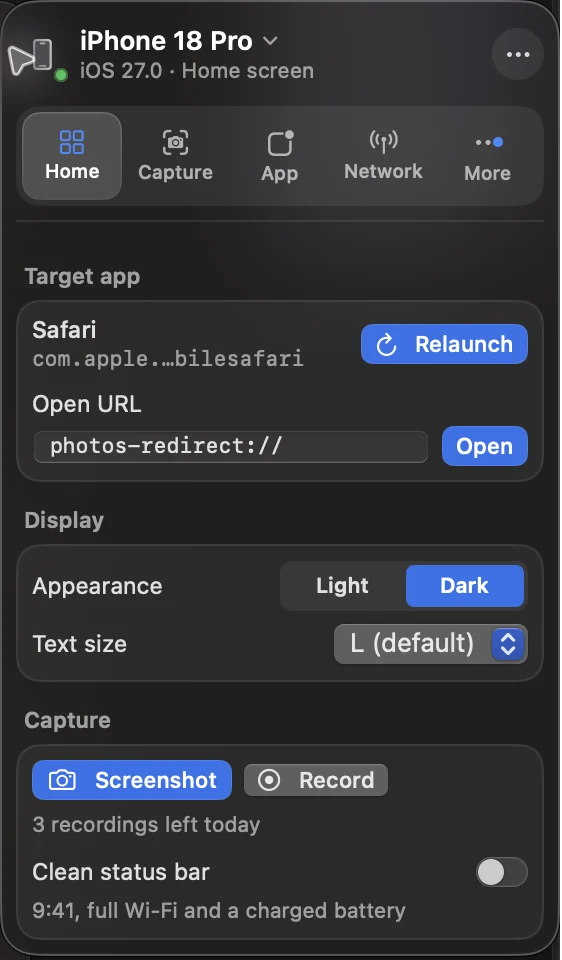
9:41, the carrier, Wi-Fi and cellular bars and the battery, set once for every capture.
Appearance and text size
Light or Dark, and Dynamic Type sizes, from the Home workspace.
App data
Read the target app’s preferences and keychain, and save or restore its data as an Xcode app data package.
Deep links and push
Open saved links, and send a test notification with your own payload.
Logs and crashes
Stream the app’s console in the App workspace, and read a crash’s faulting frames and their lines with
simbuddy crash latest.Menu bar and ⌘0
Captures, devices and workspaces while the panel is hidden; ⌘0 shows it again.
What’s free, and what Pro lifts
The basics are free and stay free. The rest come with a daily allowance that resets at midnight, and SimBuddy Pro lifts every limit.
| Tool | What it does | Where | Plan |
|---|---|---|---|
| Free, always | |||
| The panel | Target app, deep links, display | Beside the Simulator | Free |
| Device controls | Location, status bar, appearance | Panel and menu bar | Free |
| Screenshots | Plain captures in one click | Panel and menu bar | Free |
| Free each day, unlimited with Pro | |||
| Recordings | MP4 and GIF, with touch marks | Panel and menu bar | 3 a day |
| Styled screenshots | Bezels and backgrounds | Capture workspace | 3 a day |
| Camera injection | A Mac camera in your app | Camera workspace | 2 a day |
| Network sessions | Conditioning and the monitor | Network workspace | 1 a day |
| Profiler sessions | Hangs, leaks and memory | Profiler workspace | 3 a day |
| Route playback | Location along a route | Location workspace | 3 a day |
| Compare overlay | A design over the live screen | Compare workspace | 5 a day |
| Agent sessions | MCP and the simbuddy command | Your agent | 5 a day |
| Device Matrix | Many devices, one input | Devices | 1 a day |
| SimBuddy Pro | |||
| Audio in recordings | Simulator sound and your voice | Recordings | Pro |
| App Store presets | Store-ready screenshot sizes | Capture workspace | Pro |