Framed in the device’s own body.
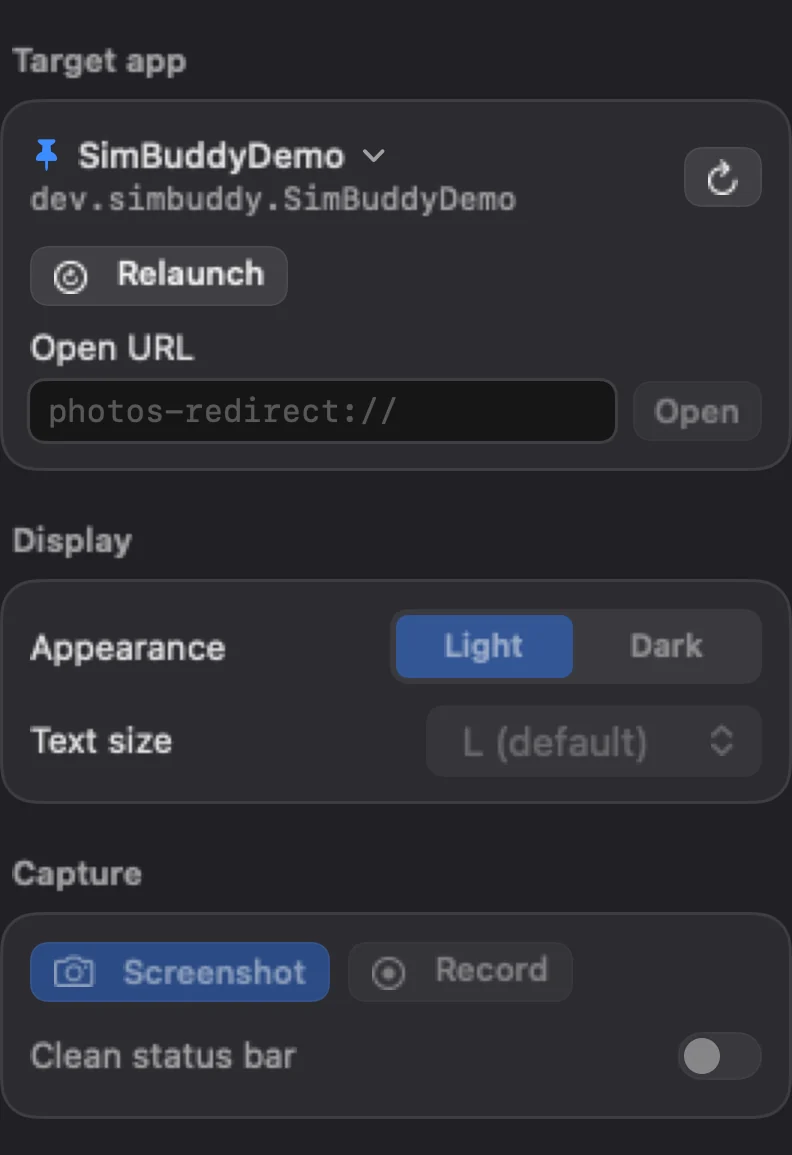
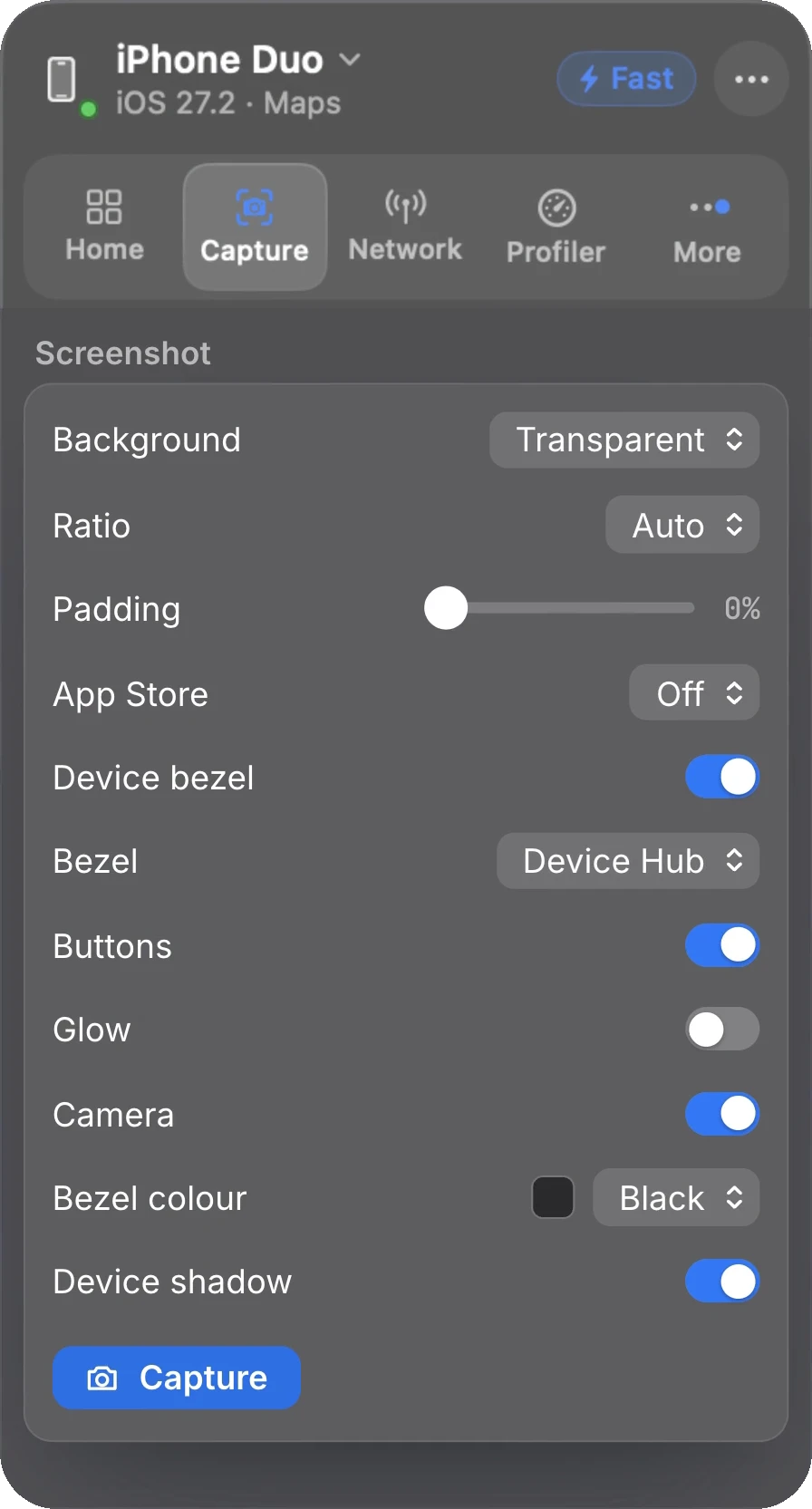
The Capture workspace sets the background, transparent or a colour, the ratio and the padding. Device bezel draws the model’s body around the screen, in Device Hub’s style or the classic one, with its buttons, camera and colour, and Device shadow lifts it off the page.
SimBuddy keeps the setup, so the next shot matches the last one.
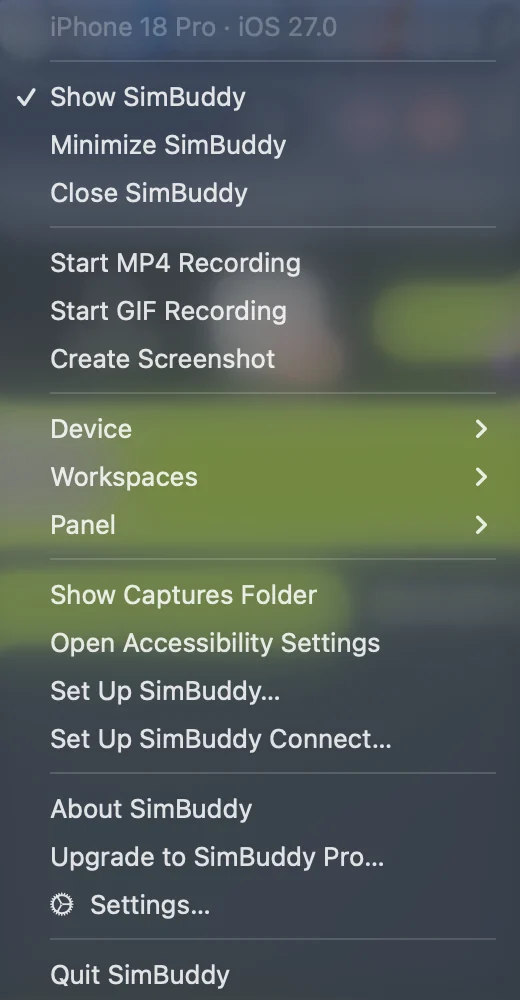
- Copy to the clipboard, or open the Captures folder
- App Store sizes with Pro, iPhone Duo’s inner and outer screens included, each saved with a transparent copy
- The same options from
simbuddy screenshot