SimBuddy Get SimBuddy

The device, a click away.

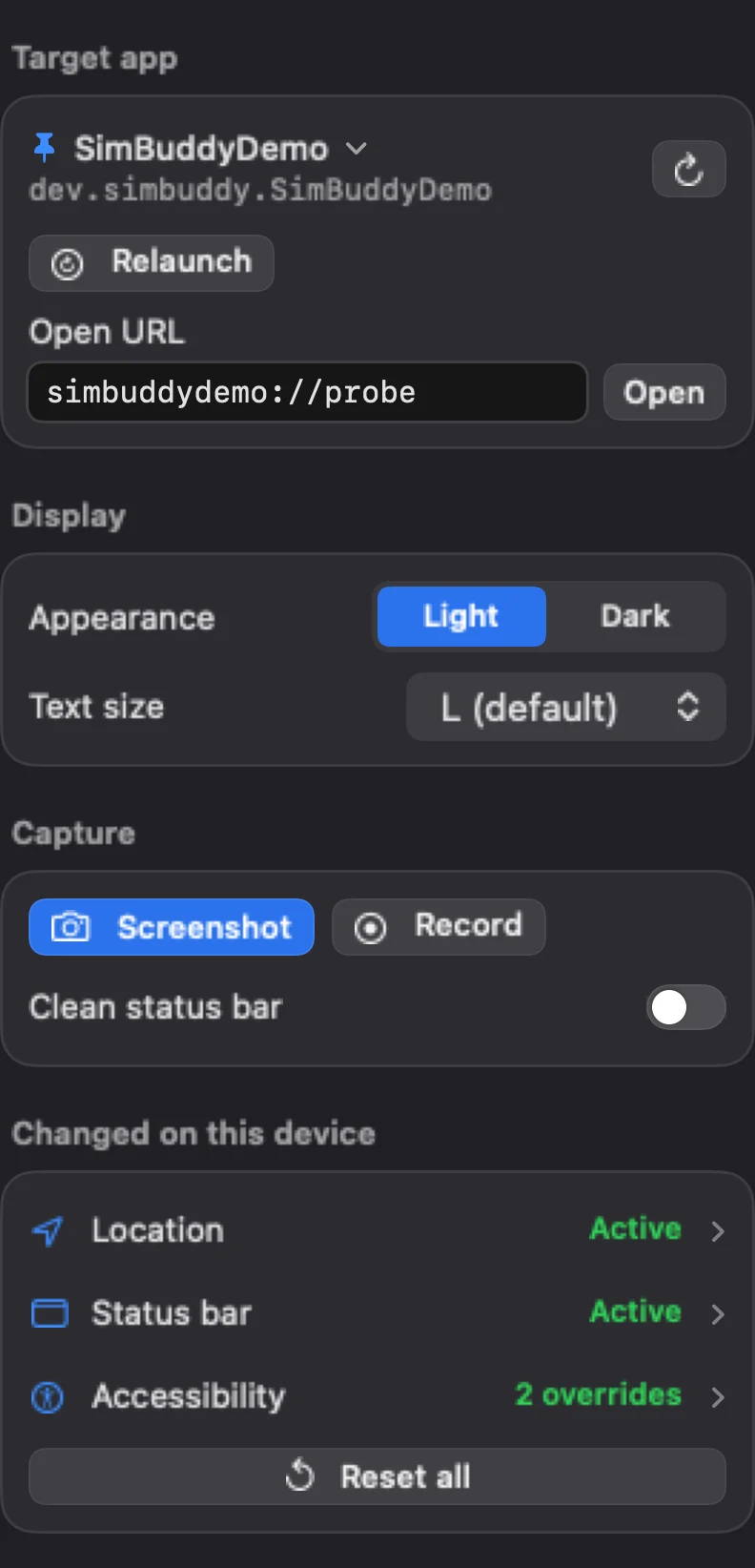
Home holds what you reach for most: the target app with Relaunch and Open URL, Light or Dark, the text size, Screenshot and Record. Whatever SimBuddy changed on the device is listed there, and Reset all puts it back.

Free: all of Home, with 3 recordings a day.Pro: recordings without a daily limit.

SimBuddy’s Home workspace: the target app SimBuddyDemo with Relaunch and Open URL, Appearance and Text size, Screenshot, Record and Clean status bar, and Location, Status bar and Accessibility under Changed on this device, with Reset all
The Home workspace, on iPhone 18 Pro.

The app you’re working on.

The target app follows the Simulator, or stays pinned to the one you pick. Relaunch quits it and opens it again.

Open URL opens a deep link or a web address in the device. A custom scheme asks on the device before it opens.

  • Light or Dark, and the device’s Dynamic Type size
  • Clean status bar: 9:41, full Wi-Fi and a charged battery, for screenshots
  • What is running, a recording, profiling or a log stream, with a Stop for each
Everything you changed, in one list.

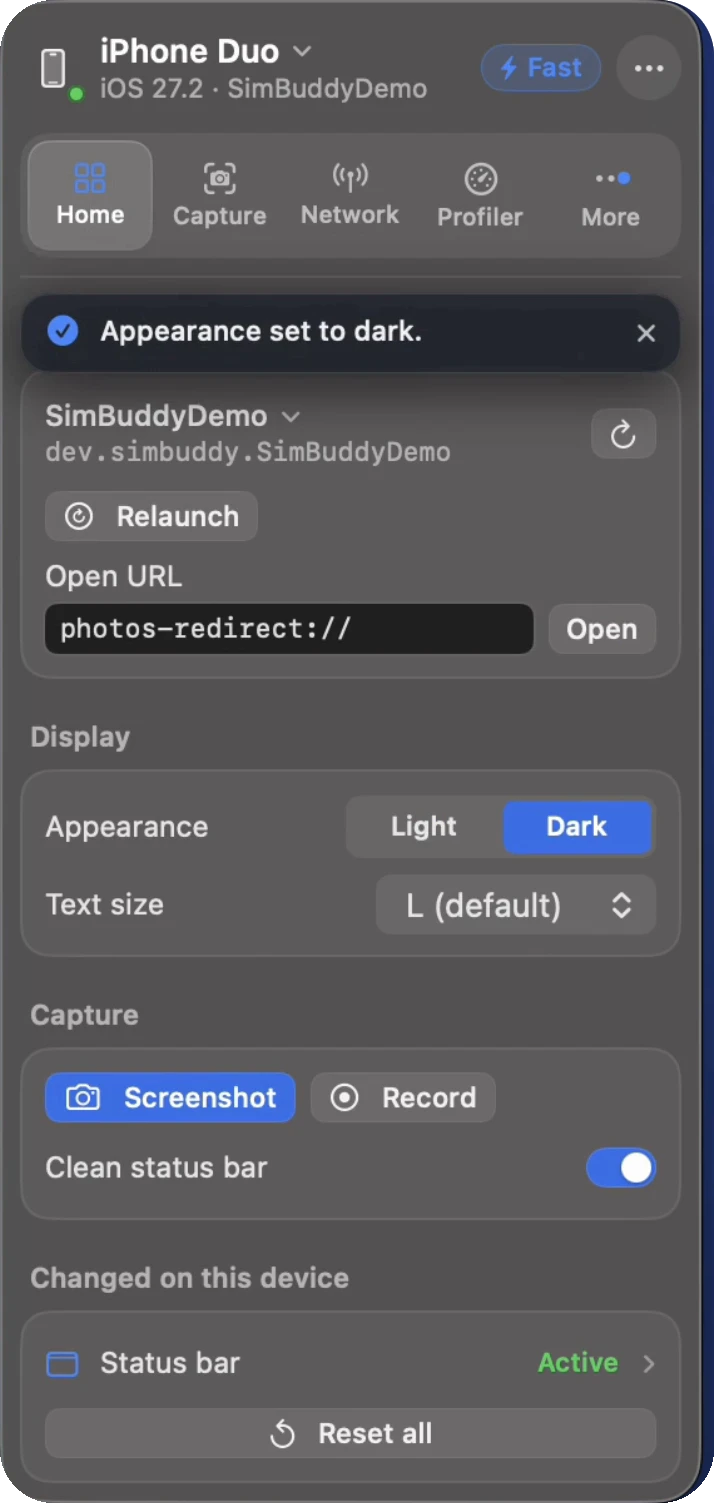
Changed on this device lists what SimBuddy has set: a location, a network profile, the status bar, a camera feed, the compare overlay, the Accessibility overlay and accessibility settings.

Reset all puts every one of them back, so the next person gets the device as it was.

The Home workspace on iPhone Duo with the status bar listed under Changed on this device, and Reset all
Changed on this device, on iPhone Duo.

The same, from the menu bar.

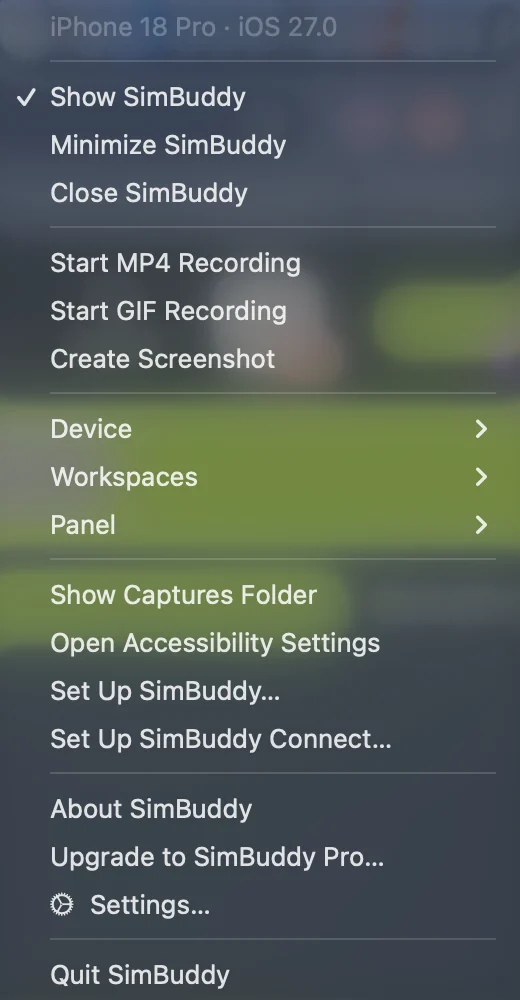
Take Screenshot, Record MP4 or GIF, Light or Dark, the status bar preset and Clear Overrides are in SimBuddy’s menu bar menu too, while the panel is hidden. ⌘0 shows it again.

SimBuddy’s menu bar menu with Take Screenshot and Record
SimBuddy’s menu bar menu.

The same controls, as commands.

Each control on Home has a simbuddy command, for an agent or a script.

$ simbuddy launch com.example.app --relaunch

Quit the app and open it again.

$ simbuddy open myapp://orders/42

A deep link, handed to the device.

$ simbuddy appearance dark

Dark mode on the device.

$ simbuddy overrides reset

Home’s Reset all.